Tuesday, 13 November 2012

Tesol Greece Blog Challenge: Can Technology Save The Day When Times Are Tough?

5 comments

To inaugurate their new blog, TESOL Greece have invited bloggers to answer the following question:
''During an economic crisis, resources (books, budgets, infrastructure) are limited but high standards and qualifications are required so that learners can survive on the job market. Can the use of technology help learners and teachers overcome this problem? If so, how?''
The question suggests that when times are tough economically, it becomes harder for teachers to access the kinds of resources that are normally available, and this is undeniably true. However, it also suggest that this leaves a space where technology can come to the rescue.

It seems to me if you are struggling in one area, the chances are you will struggle in the other. I don't think it's possible for teachers to assume that tech will be able to step in and fill the void. To clarify, I'm not suggesting that technology doesn't offer teachers and students great learning opportunities, it’s just that I don't see how you can have one problem without the other. It may well be that you can utilise the technology that you already have, but then the same could be said for books and other resources.

One possibility, especially with adults, is the option to utilise the students own devices instead. While this will certainly be possible for some groups (adult learners in EFL tend, generally, to be people with disposable income, especially business students), I don't think this is something that can be relied on consistently. Again, we go back to the same problem, it times of need everything is in short supply.

So for me the answer to this question is not to look specifically at technology, but rather look at the resources you have at hand. If that happens to include a classroom where two or three students have a smartphone with a reliable and affordable Internet connection which they don't mind using, then by all means use them. But don't see that as your only path to salvation.


In reality teachers have numerous and affordable resources available to them at all times, it's just that we take them for granted. It could be a simple as re-evaluating the way you use your whiteboard or blackboard and looking at how it could be used in a more interesting way. We’re all impressed and tempted by incredible new websites and apps but if they are difficult to implement due to shortcomings in infrastructure, then perhaps the same aims could be met with paper and pen. Teachers shouldn’t be scared to boil things to down to their essence, decide what's really important and present it simply.


And this is no way should affect the quality of the lessons. The use of technology has absolutely no effect on the standards that we reach as teaching professionals. It is not the reason why a lesson is ever great or terrible, the cause of that lies solely with how the teacher carried the lesson out and / or how the students chose to respond. A very simple materials free lesson could be the appropriate way to teach a particular point, or equally it could be a tech reliant way that is better. It’s not the resources that make a lesson, it’s the teaching.

Most importantly, don't forget that the number one resource in your classroom is not the computer or the smartphones or the coursebooks. It's not even you. It's the students, with their lives, interests, experiences and opinions. That's where you need to focus your attention. And the good news is that this is a resource that is available as long as there are students in the classroom.


It’s not just enough for you to know that your students are a resource, however. They need to know it too. They need to be aware that their success or failure is ultimately down to them. It is their hard work that will result in increased linguistic ability. An increase in standards is only possible with a combination of positive attitudes, effort and an openness to new ideas from both the learner and the teacher.

Technology can play its part in this. It can give unrivalled self study possibilities. It can enable you to do things in the classroom that years ago were unimaginable. What it can’t do elevate standards by itself. That’s your job.

To read more entries into this blog challenge, go to http://tesolgreece.blogspot.gr/p/blog-challenge.html
Read more ►

Thursday, 2 February 2012

Video Games Unplugged

4 comments

I'm currently reading Kyle Mawer and Graham Stanley's Digital Play, published by DELTA, for a book review (which I'll share with you as soon as it's online). So far it's a great book, passionately and convincingly arguing for a place for video games in the ELT classroom. 

The second part of the book, and the biggest, contains a myriad of activities, including ones that are about video games rather than using video games. I was particularly struck by an activity on page 39 called Game Chatalogue. The essence of the activity is that students use video game catalogues to discuss what they find interesting.

If you want more detail, you'll have to buy the book... ;-)

But I will tell you this, as I read the activity I thought this could have come straight out of another book from the DELTA teacher development series, one that some people still maintain would be dead set against technology in the classroom. And I thought that was it was very interesting to see a dogme activity there in a resource book so obviously appealing to techheads. And then I realised it wasn't the only the one, but a lot of the activities were essentially video games unplugged.

And I guess there are two main ways of interpreting this. On one hand you can say that this is an example of how Dogme ELT has had such a strong influence on classroom practices in the last decade that it is now used without even its label. Or your position may be that Dogme ELT is just a label for common sense teaching which existed long before Scott Thornbury's 10 Commandments and this is just another example.

Anyone who has read this blog before will know that I'm much more inclined towards the former than the latter, but what's really important to me is that this is a practical, clear example, free from argument and labelling which enables teachers to get on with teaching. And that's what I'd like to see more of, not just on blogs, but in resource books and yes, even coursebooks. I can dream, can't I?

Update

My review of Digital Play is now online: 
http://edition.tefl.net/reviews/esl-teaching/review-digital-play/
Read more ►

Wednesday, 21 September 2011

Free iPad Apps for the ELT Classroom

14 comments


One of the great things about having an iPad in the classroom is the quick and immediate access it gives you to relevant and authentic content. It’s the perfect tool for a materials light, one to one teacher like me because something interesting can crop up in conversation and I can almost instantaneously bring up a great resource to share with the student.

Recently, a student told me that she was tired of all the lies in the media and I jumped on YouTube and showed her a clip of Bill Hicks talking about “the truth” (she’s the kind of student who’s not offended by Bill Hicks!) Another time she told me that her favourite place in London was Waterloo Bridge, and one minute later she’s listening to Waterloo Sunset by The Kinks.

So it goes without saying that YouTube is an essential app, but since I’ve had my iPad for a couple of months now, I thought I’d compile some of the apps that I’ve found most useful in the classroom, or see potential in although I haven’t had the opportunity to use them so far.

Images

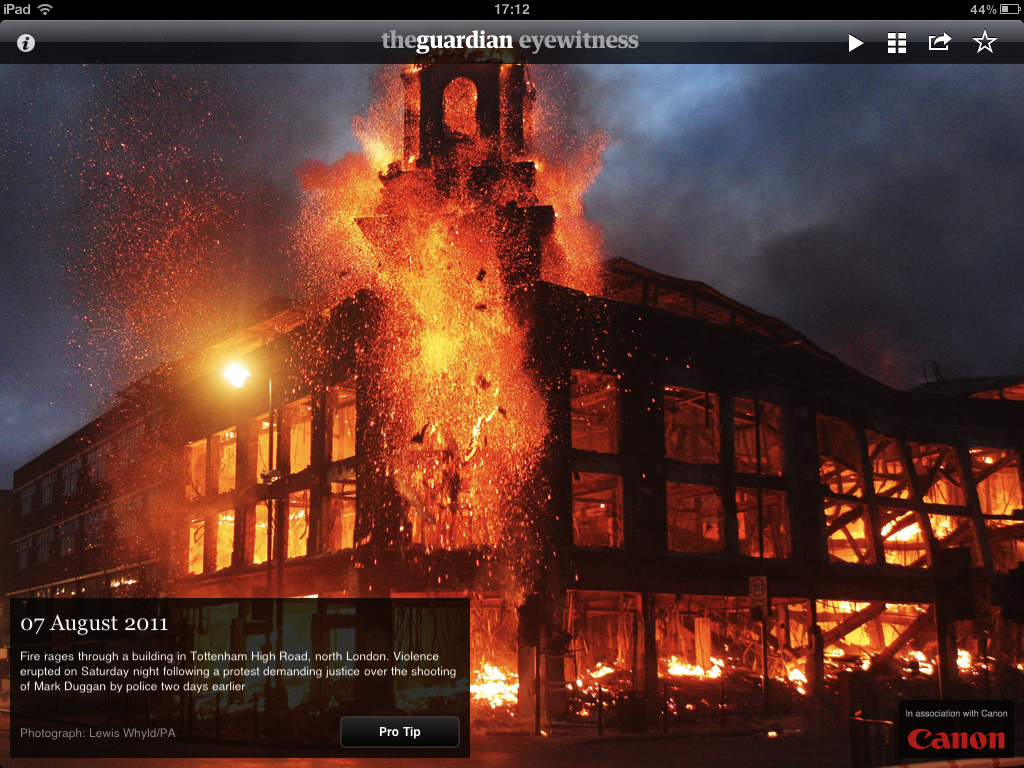
Here I go, banging on about the Guardian again, but their Eyewitness is a beautiful and simple app that have used several times. It’s a ‘picture of the day’ app, so every 24 hours there’s a new sumptuous image that could be used in a variety of ways. The photograph below was very useful after the London riots, especially used in tandem with the next app.


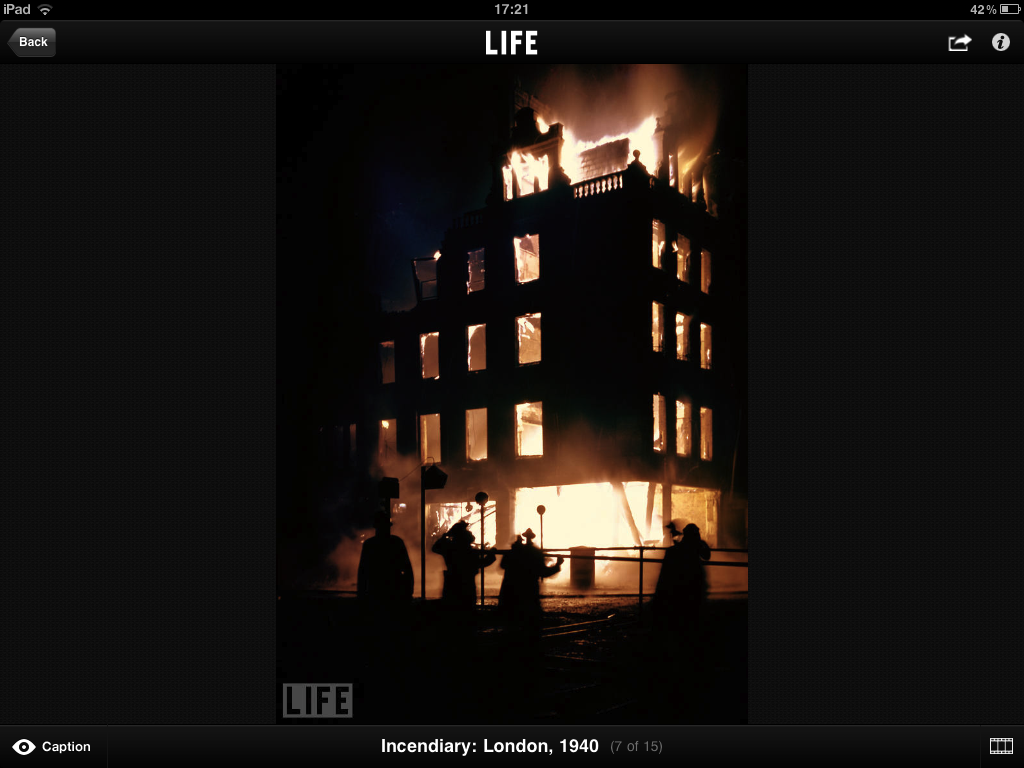
The app from Life Magazine has collections from their extensive photography vaults. It begins with a handy map of the world, so you can check for pictures for the area your students are interested in. You can also search by theme. I used the collection of London during the war photographs to contrast with the riot photo from the Guardian app.

For more images, you could also try the Heritage app for pictures from UNESCO world heritage sites.

News


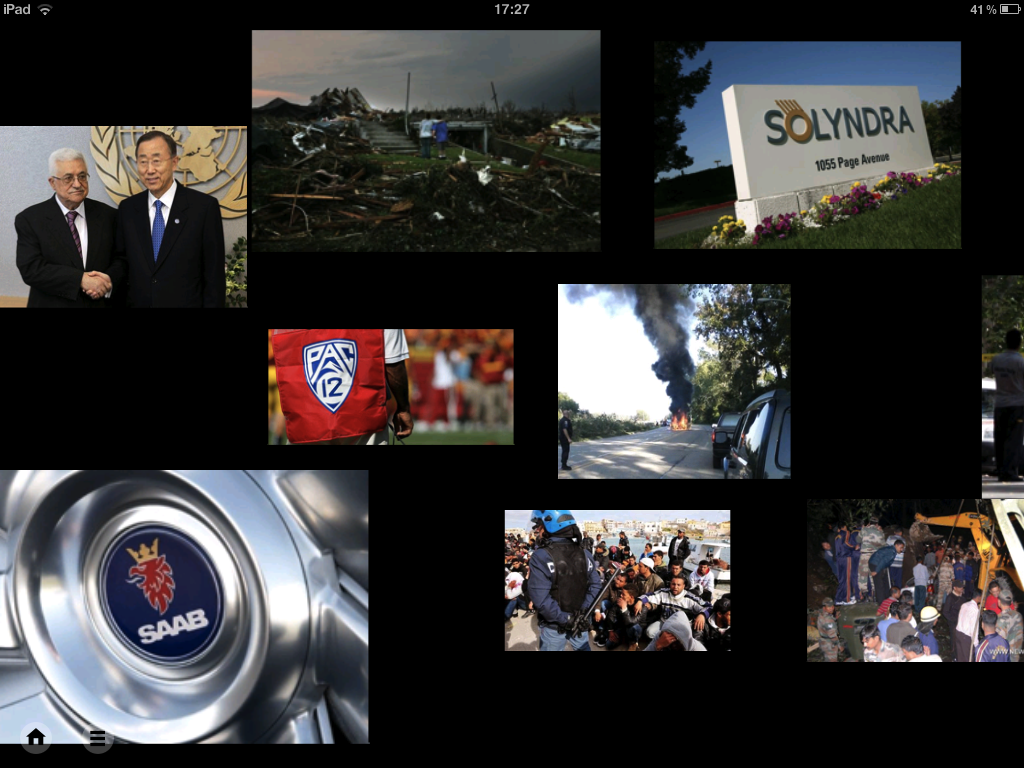
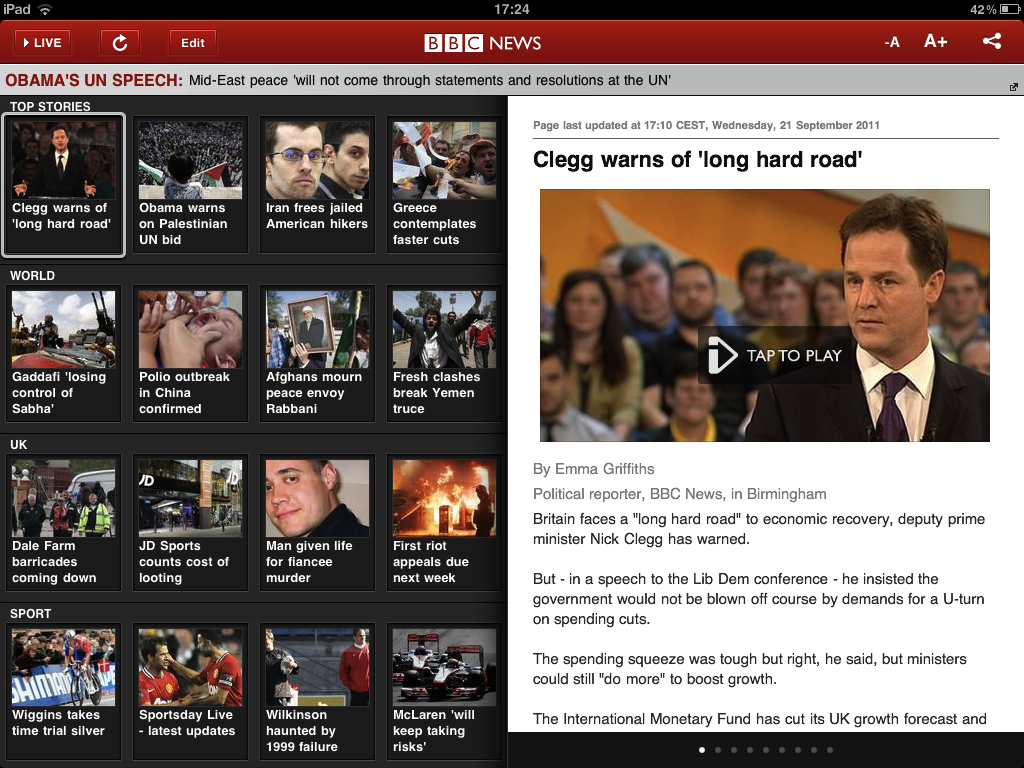
For news, there are plenty of interesting apps that give you quick and easy access to what is going on the world. BBC News is clear and easy to use, as is the Channel 4 news app. I also like the News360 app because you scroll through news stories by picture alone, and could get the students to choose a story based on nothing other than the image. Newsy is also a good source for up to date content.


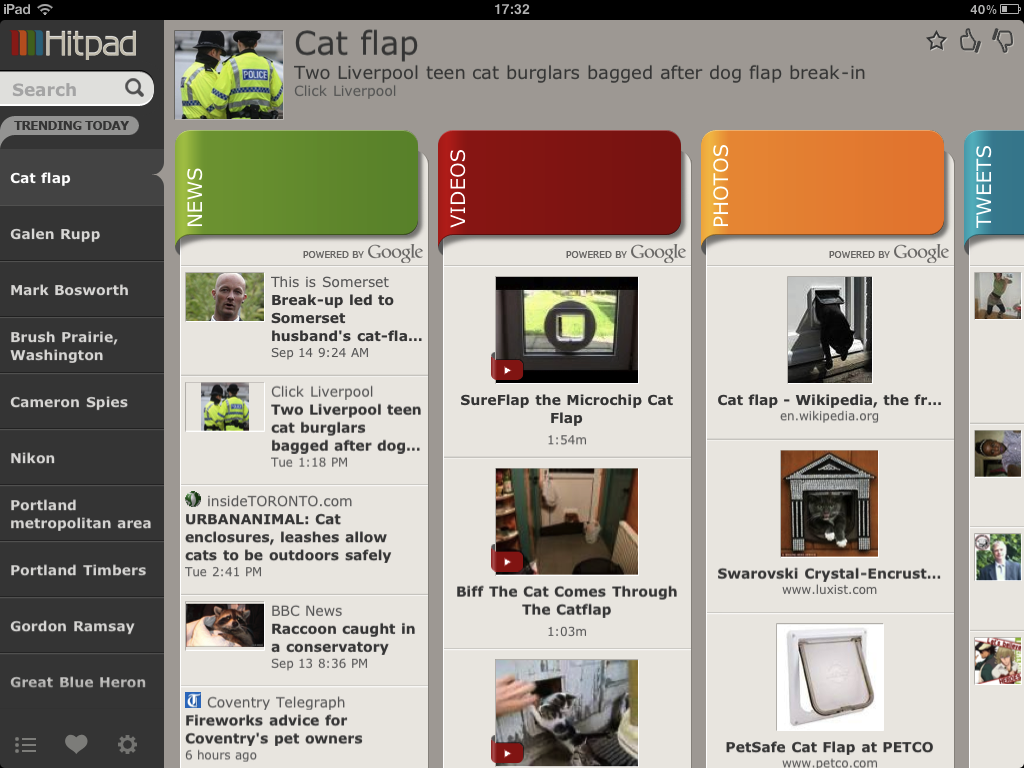
Hitpad is another interesting way to access what’s going on in the world. It presents the news in a series of streams (news stories, videos, tweets, photos and web). It’s a great resource for getting information on a topic from a variety of sources.


Video

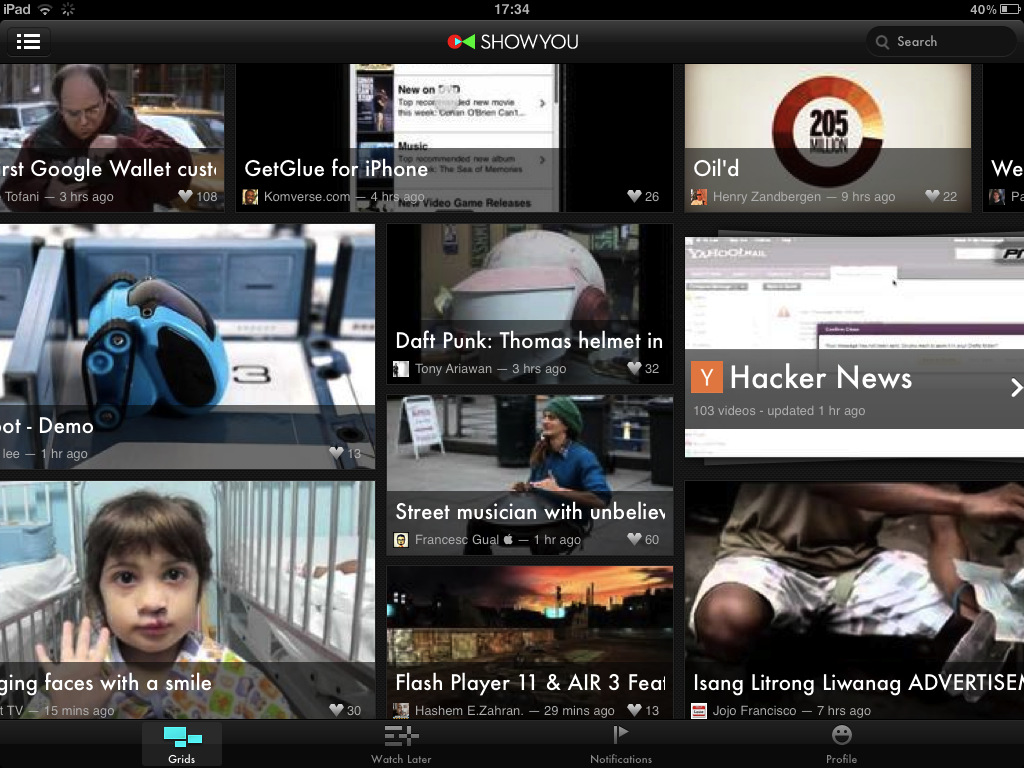
ShowYou aggregates a variety of different and unusual videos from a range of sources (which you can preset, if you wish). It has an almost unlimited potential to give you something interesting to use with your students. Square Eyes is a similar app.


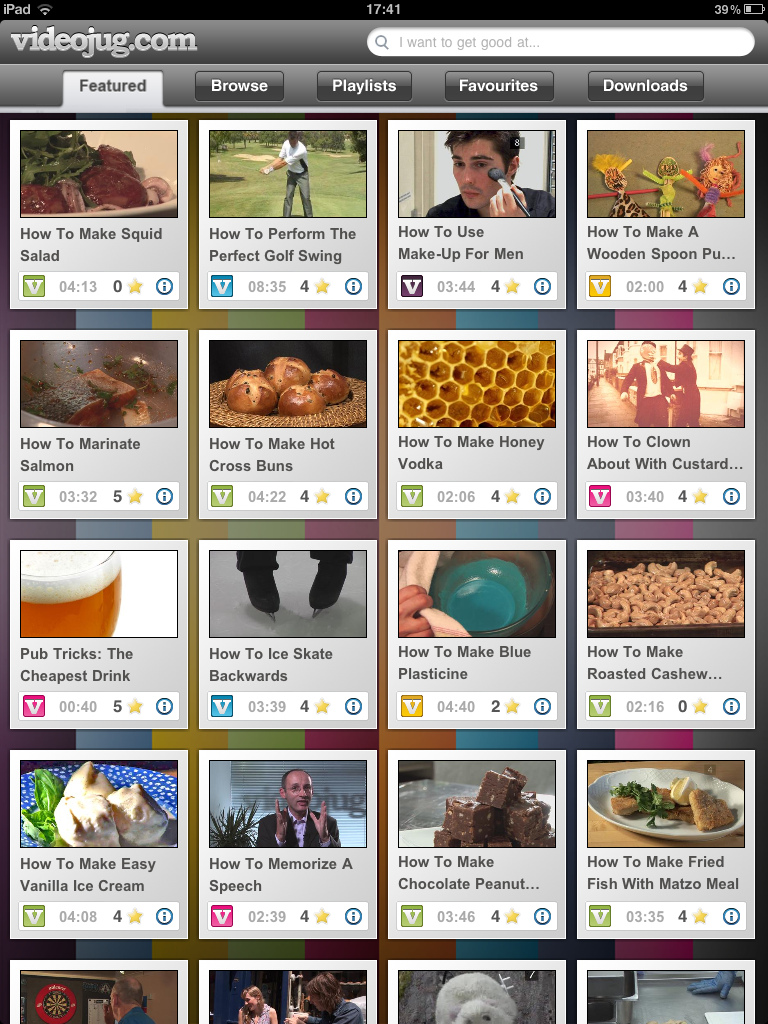
Videojug specialises in ‘how-to’ videos, so if you’re looking to use an instructional videos, they have a huge selection to choose from.


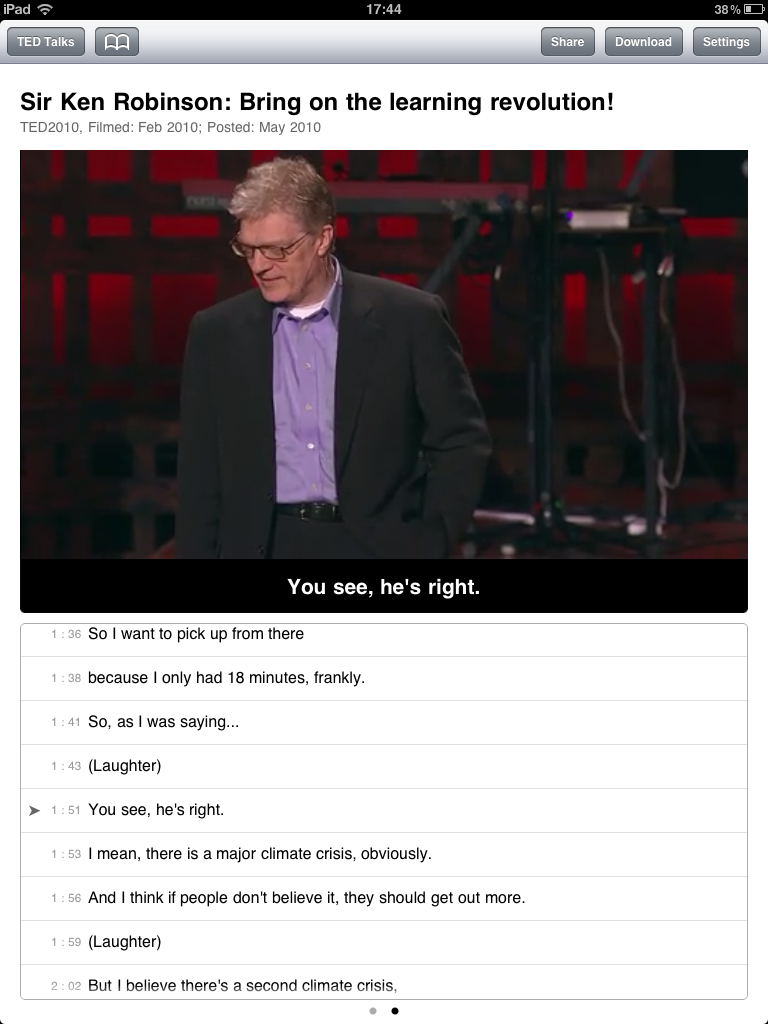
And of course there is TED, which has two apps, the normal TED app and, especially for learners, a fantastic app with subtitles. The script scrolls at the bottom of the screen, and can be used to control the video. So if the learner wants to go back because they didn’t understand a particular phrase, they just touch that line in the script and the video will jump there. I think it’s pretty obvious how useful that could be.


Business

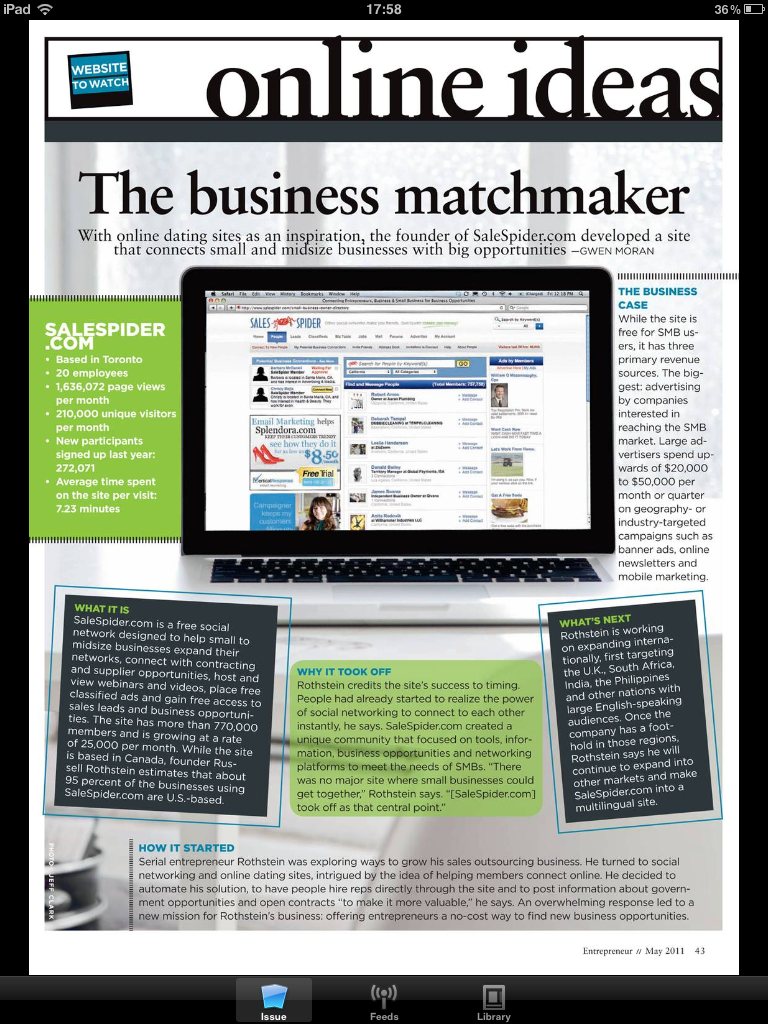
For business students, you can download copies of the Economist’s Intelligent Life magazine and Entrepreneur magazine for authentic and interesting materials.


Books

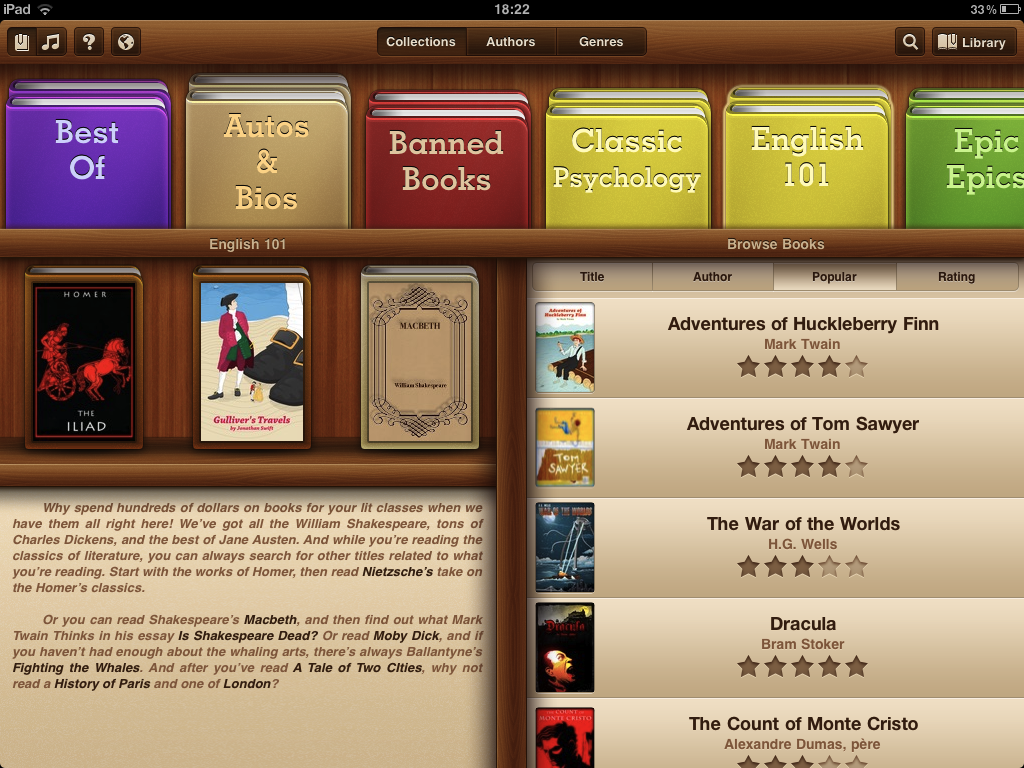
If you’re lucky enough to use literature with your students, there are thousands of free books available. However most of them are out of copyright, and being over 80 years, they may present a challenge even for advanced learners. My favourite books app, apart from the native iBooks app, is the aptly named Free Books, which is browsable by topic area, such as epic epics, banned books, ghost stories, pulp and young readers.


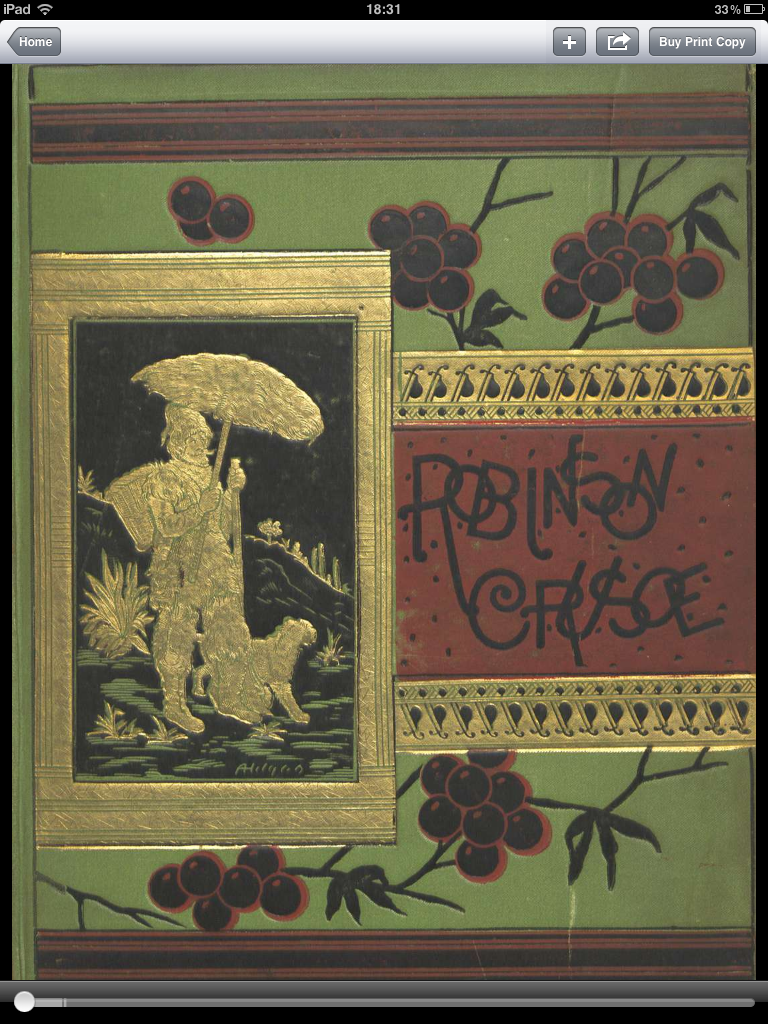
Other great book apps include Shakespeare, Poetry (a random poem generator), Stanza, and the British Library’s beautifully presented 19th Century Books app.


Teacher Tools


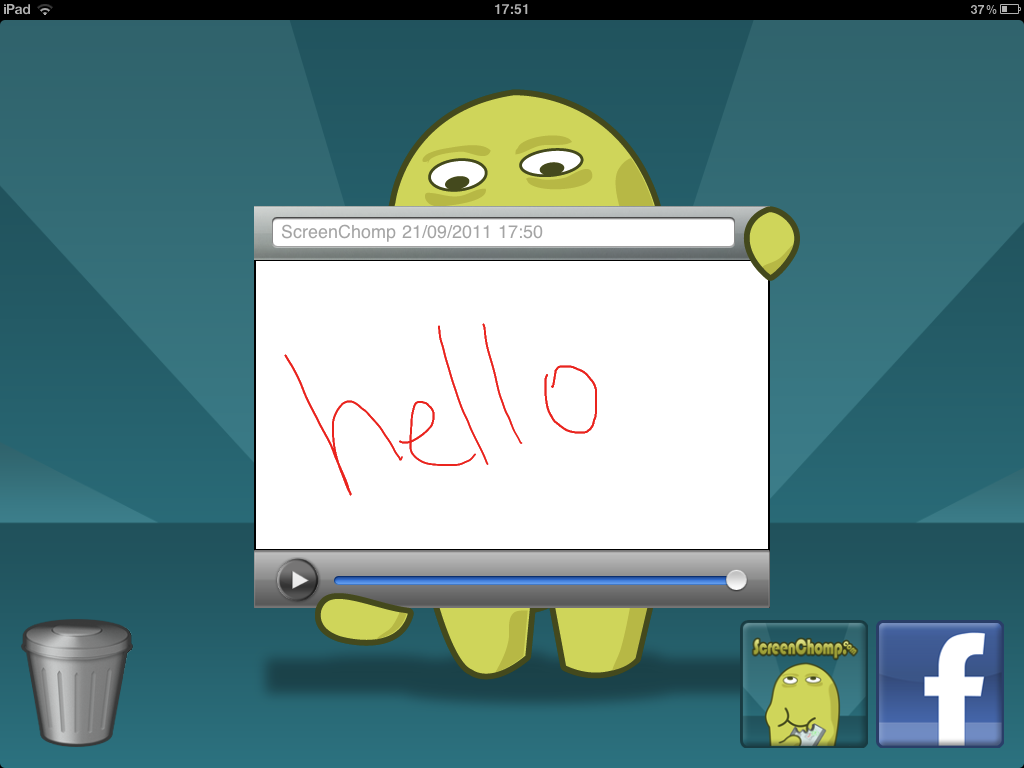
From a more obvious educational standpoint, there are some lovely whiteboards apps such as Screenchomp, where you can record what you write or draw and send it to the students, and ShowMe, which is very similar. I’m also very curious about SpeedGrader, which seems to allow you manage your classes homework, amongst several other things, but since I’m teaching one to ones at the moment, I haven’t really explored.


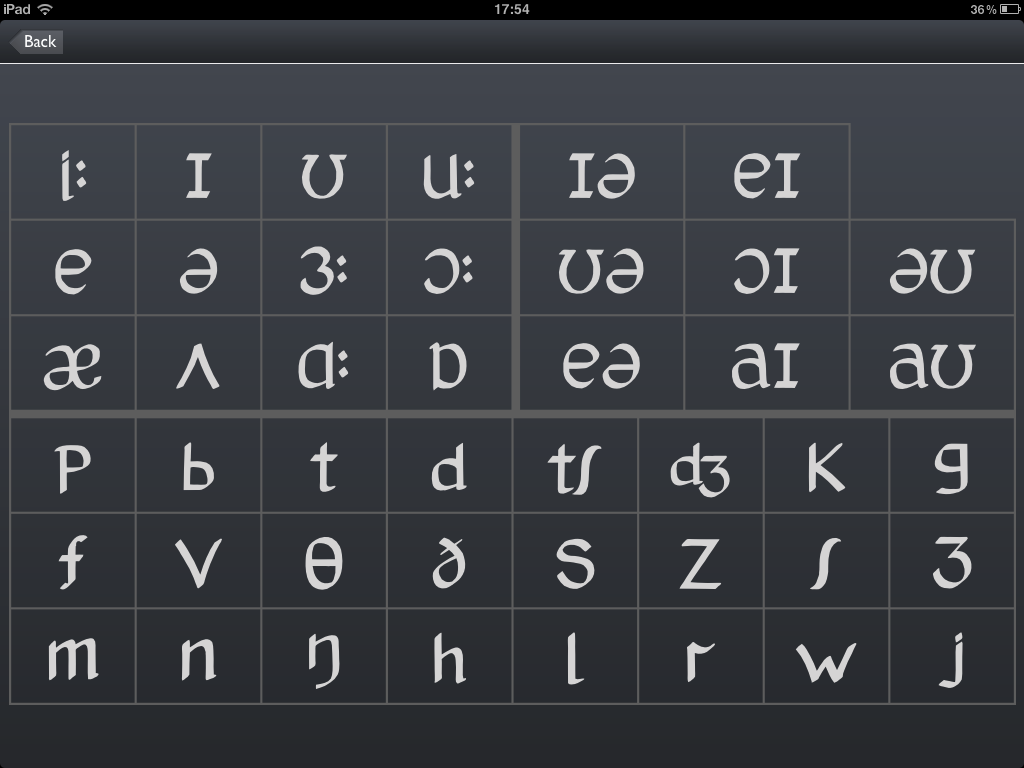
Finally, I’m not a fan of using the phonetic chart in my classes, but if you are, then you really need to download Macmillan’s gorgeous app. Not only do you have the chart in your hand, but you have the sounds too, in either British or American English.


I’m always looking for new apps, so if you have any that you’d like to recommend, leave a comment below. Thanks.

Read more ►

Monday, 4 July 2011

Using Soundcloud in an Unplugged One to One Class

13 comments
Am I an angry cloud or a happy cloud?

Note taking is one of the central tenets of Teaching Unplugged, and the more I try to practice it, the harder I realise it is. This is especially true in a one-to-one setting. I find it's particular tricky because I want to sustain genuine face to face conversation, and having me scribbling away feels like a level of artifice that distracts from the quality of the conversation.

Furthermore, if I'm being honest, I find it difficult to concentrate on both things at the same time. Both the conversation and the note taking suffer, so nobody wins. This is where technology can step in and help out.

Soundcloud is a popular audio sharing platform which was designed to allow musicians to share their music in a quick and convenient fashion. However, as it is essentially an easy way to record and then share audio, I thought I could use it to replace my notebook.

Firstly, you need some hardware (a smart phone running either IOS or Android, or a PC or Mac) and some software (the appropriate Soundcloud app: iPhone, Android or desktop). Then you need to go the website and create an account. Once you've done this, you simply need to start your app and get recording. On the iPhone it's as simple as pushing a big red button.


When you've finished, you can share the file with your student by emailing it to them directly from within the app. It has a really useful function that allows you to comment on precise moments in the recording, so I ask my student to use this to identify any problem areas they think they can hear in their own speech as homework. In the next class we go over those points and clear up any other details I think need some attention.

Here's an example that I recorded with a student last week. I'm posting it here with her permission.


I have also found that the student forgets that there is an recording going on fairly quickly, and so you have the chance to hear the errors that are most like to occur in a natural setting, just to add to the authenticity of the exercise.

Read more ►
 

Copyright © TheTeacherJames Design by O Pregador | Blogger Theme by Blogger Template de luxo | Powered by Blogger